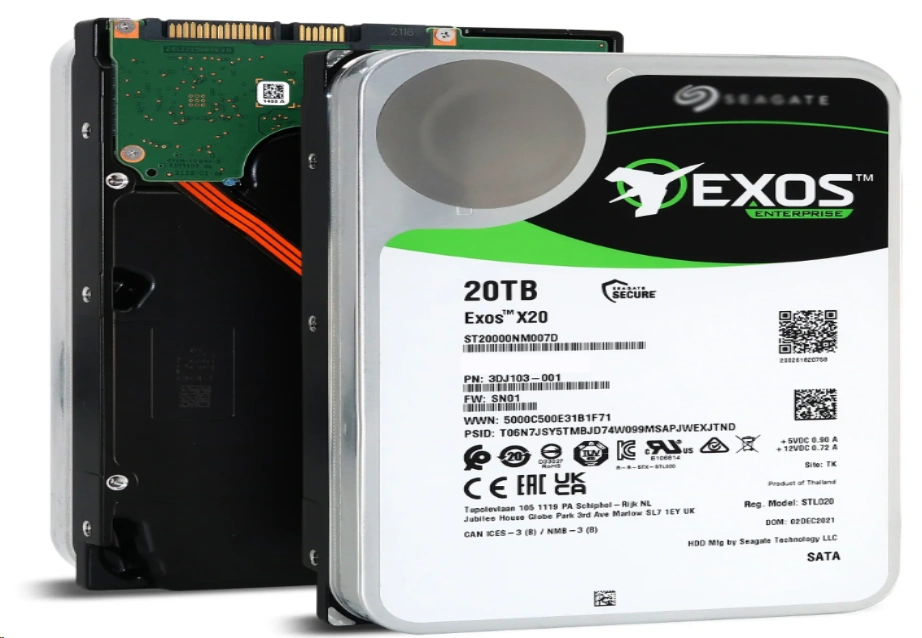
The field of data storage has changed greatly as we step into 2026. A basic talk about speed in the past has grown into an important choice. This choice includes power savings, data volume, and ongoing dependability. Storage Technology Basics: What is a Hard Disk Drive (HDD)? Hard Disk Drives represent the legacy and the ongoing backbone of mass data storage. They operate using a mechanical arm with a read/write head that moves across rotating magnetic platters. This physical movement…
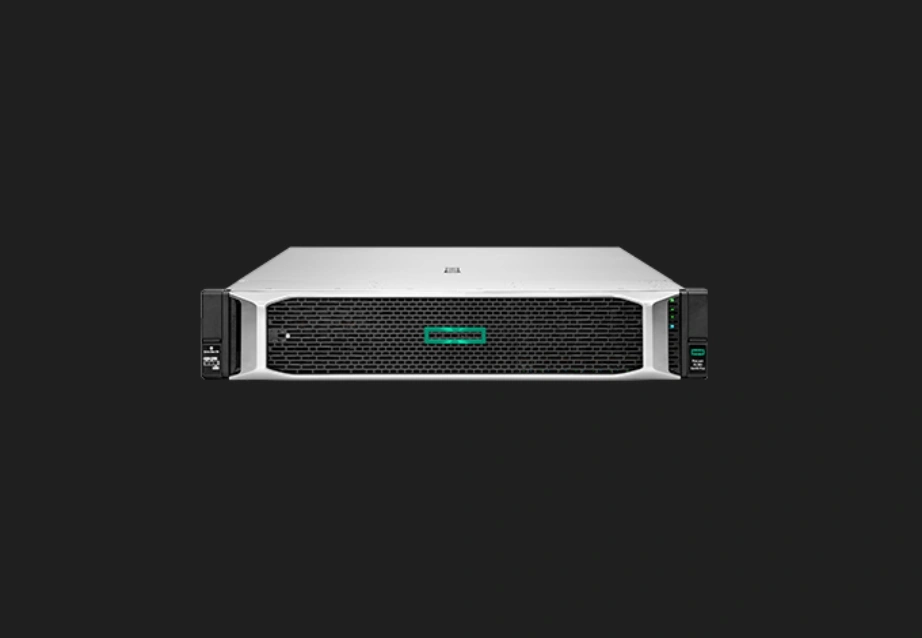
Why Are HPE ProLiant DL380 Gen11 Reviews Dominating 2026? In the quickly changing field of business tech, talking about certain hardware types often shapes buying patterns. When we check the current setup market, HPE Proliant DL380 Gen11 reviews sit at the heart of talks for IT heads and data center planners. This comes not just from name fame. It arises from a basic change in what 2U rack servers must do in an after-AI shift time. At Huaying Hengtong, we…
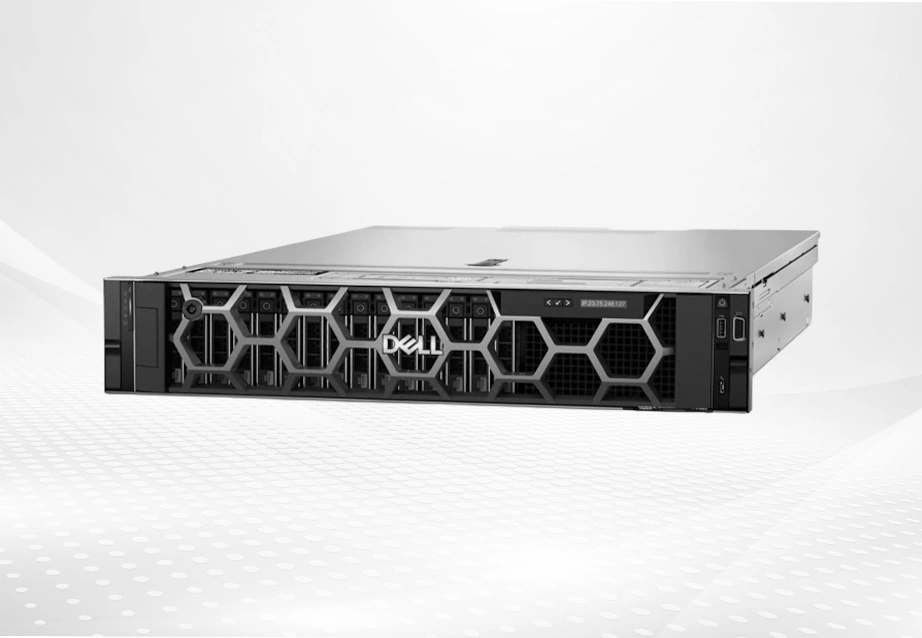
Is the Initial Price Tag Deceiving? Unpacking TCO for Dell Enterprise Servers in 2026 In the fast-changing world of 2026, AI-based tasks and large data handling stand as common practices. Buying a server now goes beyond a basic single buy. Many IT leaders focus only on the base price of a strong unit. However, this narrow view of buy cost marks a planning mistake. It can cause surprise expenses later in the device's life. To truly understand the value of…
Why Do OpenClaw Hardware Requirements Matter in 2026? The Transition to Sovereign Local AI Agents The artificial intelligence ecosystem is undergoing a radical shift. Enterprises are actively moving away from cloud-dependent APIs to deploy sovereign local AI agents. This transition ensures that highly sensitive corporate data remains within private network boundaries. However, achieving this level of digital autonomy transfers the immense computational burden of AI reasoning directly onto your local server infrastructure. How Hardware Directly Dictates Agent Responsiveness Software algorithms, no matter how advanced, are strictly bound by the physical limitations of their host environment. Running autonomous agents requires systems that can handle continuous, simultaneous tasks without dropping connections or throttling speeds. If the physical components fall short, the entire AI workflow experiences extreme latency. Understanding the exact specifications needed prevents bottlenecked response times and ensures that the infrastructure can sustain uninterrupted operations across multiple departments. What Are the Minimum OpenClaw Specs for Basic Testing? Baseline Components for Proof-of-Concept Deployments When an IT department is just beginning to evaluate local AI automation, setting up a proof-of-concept environment is the first…
The 2026 Shift: Why SMBs are Moving Virtualization Back On-Premise The server market in 2026 has reached a pivotal tipping point where many small and medium-sized businesses (SMBs) are re-evaluating their infrastructure strategies. After years of aggressive cloud adoption, we are seeing a significant shift: a move back to local hardware. At Huaying Hengtong, we have observed that this "Cloud Repatriation" is largely driven by the desire to escape the unpredictable monthly subscription fees and the "VMware tax" that has burdened IT budgets following recent licensing shifts. By investing in physical, high-performance equipment, your business gains performance sovereignty—meaning lower latency for your local applications and absolute control over your sensitive data without recurring cost spikes. When calculated over a 36-month period, the Total Cost of Ownership (TCO) for a physical machine often outperforms cloud scaling fees, making it the most sustainable choice for a growing company. Essential Hardware Benchmarks for Budget-Friendly Virtualization Selecting the best budget enterprise servers requires looking at specific metrics. In 2026, the "sweet spot" for core counts lies with processors like the Intel® Xeon® Gold 6240R,…
Why Are OpenClaw Hardware Requirements Evolving in 2026? The Shift from Desktop Testing to Enterprise Deployment In 2026, the field of AI agent management has changed a lot. Builders who used to run simple checks on regular desktops now set up detailed, multi-part OpenClaw systems. This move calls for a close look at the setup again. Thus, grasping the OpenClaw hardware requirements 2026 becomes a key task for IT buying. How AI Agent Workloads Demand More Processing Power AI agents do more than run straight scripts now. They manage ongoing, detail-rich language tasks and side-by-side auto jobs. Such steady tasks need constant computing strength that holds up under load. As a result, groups must review their server standards to avoid expensive system breaks. What Are the Exact OpenClaw Hardware Requirements for 2026? Minimum Specifications for Basic Operations For light test setups, the base OpenClaw hardware requirements 2026 call for at least an 8-core processor, 32GB of RAM, and quick NVMe storage. This setup handles simple script runs and on-site fixes. However, it does not work well when growing to manage…
Why Is Dedicated Hardware Essential for OpenClaw Setups in 2026? The Shift Toward Local-First AI Autonomy The world of artificial intelligence faces a big change. Businesses move quickly from central cloud services to local AI tools. They do this to keep data private and control their workflows. OpenClaw shows this change well. It gives groups full say over their auto tasks. But to keep this freedom, your local setup must handle all the computing load for steady AI thinking. The Hidden Costs of Inadequate Infrastructure Software can improve only so much without a strong base in hardware. Running auto agents needs systems to stay on all the time. They must avoid heat limits or memory issues. Weak setups cause real problems. They lead to: Bottlenecked response times during complex queries and API calls. Frequent system crashes due to memory overflow when handling multiple agents. Corrupted data loops in the agent's persistent memory. To keep systems ready and stop these expensive stops, buying top hardware for OpenClaw is now a must. It forms the basic need for business-level auto work. What…
What Is Fibre Channel Zoning and Why Is It Critical for Your SAN? In modern Storage Area Networks (SAN), security and traffic management are the foundation of data center architecture. Fibre Channel zoning is a critical network isolation mechanism that precisely controls which devices within the fabric can communicate and exchange data with one another. Without a proper zoning strategy, every host connected to the network would default to seeing every storage target. This not only introduces potential risks of unauthorized access and data corruption but also causes severe network congestion. For IT professionals dedicated to optimizing underlying infrastructure, conducting a thorough fibre channel zoning types comparison is the first step to ensuring network isolation, enhancing architectural defense, and minimizing the impact of Registered State Change Notification (RSCN) broadcast storms. A Deep Dive into Fibre Channel Zoning Types Comparison When checking business-level SAN setups, we need to look at various zoning methods to fit certain business tasks. Here follows a clear technical look at the common Fibre Channel zoning types. Soft Zoning (WWN Zoning): Maximizing Deployment Flexibility Soft zoning relies…
OpenClaw System Requirements 2026: Minimum and Recommended Hardware Minimum Specs for Basic Local Testing The landscape of autonomous AI agents has shifted dramatically, making the hardware discussion more critical than ever. For developers initiating basic local testing, the entry barrier remains relatively accessible. The baseline setup requires at least an 8-core processor and 16GB of RAM to handle sequential command line interface executions without severe bottlenecking. This configuration allows individual programmers to test basic logic flows and API call routing before moving into heavier, concurrent scenarios. Recommended Specs for Continuous Enterprise Workloads When transitioning from a sandbox environment to continuous enterprise operations, hardware requirements scale exponentially. Production environments demand aggressive multi-core processing capabilities and massive memory bandwidth to sustain uninterrupted data streams. Recommended setups require dual-socket architectures and advanced error-correcting code (ECC) memory, ensuring that continuous workflows operate without memory leaks or compute throttling under sustained high-concurrency pressure. Why Are Mini PCs Popular for OpenClaw (And Where Do They Fail)? The Appeal of Low Initial Costs and Desktop-Friendly Sizes Small form factor devices have dominated early community discussions largely due…
What Are the Core OpenClaw RAM Requirements for 2026? Figuring out the exact memory needs for AI agents is the key first move in setting up a strong base. OpenClaw hardware needs grow a lot based on the model's detail level. They also depend on the size of active context areas. Getting these details right helps keep your setup affordable. It also makes sure it responds well to user inputs. Minimum Memory Configurations for Basic Operations For developers building initial proofs of concept, massive enterprise setups are not immediately necessary. You can begin testing local AI agents with a highly stable foundation. A module such as the Samsung M393A4K40DB3-CWE provides a solid starting point. This is a 32GB DDR4 RDIMM that operates at a speed of 3200 Mbps. It features an 8-bit parity check signal that realizes error correction. This effectively avoids data loss and system crashes, providing stable and reliable data storage for server scenarios. While this configuration handles lightweight agent interactions with smaller parameter models, scaling up your operations to handle complex autonomous reasoning will quickly consume these…
OpenClaw's quick rise in use has created a worldwide shortage of hardware. This issue focuses mainly on the Mac Mini M4. Many AI fans first turn to the Apple setup. Yet, the idea that it works only on Macs is just a limiting story. By 2026, AI agents will shift from test projects to key business tools. Experts now find that solid ways to set up OpenClaw often come from x86 systems such as Windows and Linux. The 2026 OpenClaw Hardware Shift: Why Users are Moving Beyond the Mac Mini Is the Mac Mini M4 the Only Option for 24/7 AI Agents? The recent scarcity of high-RAM Mac Mini configurations has left many developers in a lurch. While the M4 chip is efficient, the fixed architecture of Apple Silicon means that if you need to upgrade your memory from 16GB to 64GB six months later, you are forced to buy an entirely new machine. This "modularity gap" is a significant hurdle for enterprises that require long-term scalability. Furthermore, thermal stability remains a concern for compact mini-PCs running heavy browser automation…
As artificial intelligence-generated content and big data analytics workloads continue to surge, enterprise computing environments face unprecedented data throughput pressures. In this highly demanding landscape, hardware bottlenecks have become more apparent than ever before. The latest server architecture, such as the HPE ProLiant Gen11 series, represents a massive leap forward, largely due to its comprehensive support for next-generation technology. Proper configuration of Memory Modules is the absolute key to maximizing the return on investment for these advanced systems. This complete buyer's guide explores the most suitable options for 2026, while also providing highly cost-effective transition alternatives for infrastructures not yet ready for a full hardware refresh. The DDR5 Revolution in Modern Data Centers In current business setups, memory speed sets the pace for overall computing power. Switching to DDR5 tech doubles the speed over the last version. This fits well with the needs of multi-core work in the latest 4th and 5th Generation Intel® Xeon® Scalable Processors. Why Bandwidth Matters for Advanced Workloads HPE ProLiant Gen11 systems, such as the ML350 and DL380, handle memory modules with speeds up to…