What Is Fibre Channel Zoning and Why Is It Critical for Your SAN?
In modern Storage Area Networks (SAN), security and traffic management are the foundation of data center architecture. Fibre Channel zoning is a critical network isolation mechanism that precisely controls which devices within the fabric can communicate and exchange data with one another. Without a proper zoning strategy, every host connected to the network would default to seeing every storage target. This not only introduces potential risks of unauthorized access and data corruption but also causes severe network congestion. For IT professionals dedicated to optimizing underlying infrastructure, conducting a thorough fibre channel zoning types comparison is the first step to ensuring network isolation, enhancing architectural defense, and minimizing the impact of Registered State Change Notification (RSCN) broadcast storms.
A Deep Dive into Fibre Channel Zoning Types Comparison
When checking business-level SAN setups, we need to look at various zoning methods to fit certain business tasks. Here follows a clear technical look at the common Fibre Channel zoning types.
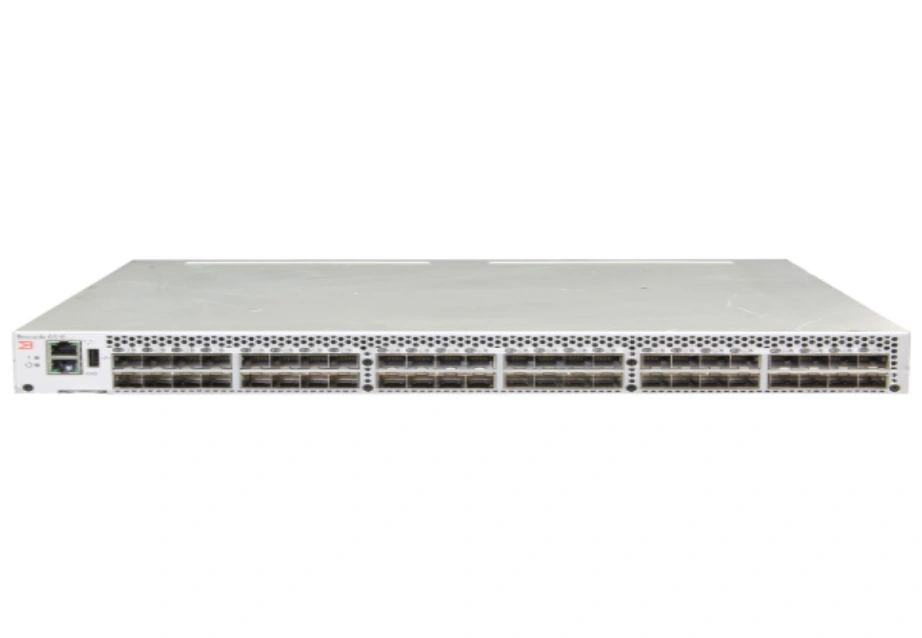
Soft Zoning (WWN Zoning): Maximizing Deployment Flexibility
Soft zoning relies primarily on the World Wide Name (WWN) of Fibre Channel devices, specifically the World Wide Port Name (WWPN). The FC switch’s name server controls network access by only allowing devices logically grouped in the same zone to discover each other. The greatest advantage of this model is its extreme architectural flexibility. If a server or storage array is physically moved to a different port on the switch, the existing zoning configuration remains completely intact because the WWPN identity travels with the physical hardware.
Hard Zoning (Port Zoning): Guaranteeing Physical Network Security
In stark contrast to soft zoning, hard zoning is tied directly to specific physical ports on the FC switch. By configuring hardware-level rules stating that traffic from one port can only flow to another designated port, the switch uses physical frame filtering to strictly block unauthorized data frames from crossing irrelevant ports. This provides extremely tight security guarantees, but at the cost of operational agility. If a cable fails or the data center port topology needs modification, network administrators must manually reconfigure the access rules for the entire zone.
Modern Hybrid Zoning: Blending Security with Agility
In today’s forward data center setups, many strong switches use a mixed method. They apply WWN-based zoning rules at the hardware level with frame checks. This fresh view keeps all the ease of soft zoning for common device moves. At the same time, it blends in the real-level safety of hard zoning without issues. For businesses seeking top network stability, this mixed plan stands as the clear top pick.
Which Zoning Strategy Wins in Enterprise Data Centers?
Idea-based looks fall short. We must make choices based on real IT work and business flow cases.
Analyzing the Impact on Network Traffic and RSCN Management
In busy SAN real settings, adding, restarting, or taking offline any node right away starts RSCN messages. Without a fine zoning split, these messages fill the whole fabric. They force all unlinked nodes to pause their current data input/output tasks. The nodes then handle network layout updates. With exact zoning, RSCN messages stay limited to set business zones. This greatly boosts the steadiness of the main business data.
Overcoming Maintenance Challenges During Hardware Upgrades
When enterprises face the iteration of aging servers or the expansion of core storage arrays, adopting WWN-based zoning can drastically reduce the workload of network operations teams. Administrators do not need to rewrite complex access control lists for every newly connected physical port; they simply ensure the WWN of the new device is correctly entered into the existing logical security group, drastically reducing downtime during hardware upgrades.
Proven SAN Zoning Best Practices for IT Architects
Regardless of which zoning type the network team ultimately selects, following industry-recognized architectural best practices will make the storage network more robust under high-concurrency workloads.
Enforcing Single-Initiator Single-Target (SIST) Rules
To completely eliminate signal crosstalk and resource contention between different Host Bus Adapters (HBAs), the industry strongly recommends configuring each zone to contain only one initiator (server) and one target (storage port). While this multiplies the number of zones that need to be configured initially, the SIST rule is the most effective way to isolate fault domains and provides the clearest architectural design for troubleshooting network bottlenecks and I/O latency.
Leveraging Smart Zoning on Modern Fabric Switches
As enterprise networks scale exponentially, manually managing hundreds or thousands of zoning rules becomes challenging and error-prone. By utilizing the smart zoning features provided by modern storage switches, administrators can achieve highly efficient automated management of single-initiator, multi-target setups through simple scripts. This fundamentally reduces human configuration errors and greatly optimizes memory table utilization within the switch.
Establishing Clear Naming Conventions for Long-term Management
A logically clear and highly standardized naming convention—such as consistently including the hostname, OS type, and target storage abbreviation in the alias—is vital for long-term SAN maintenance and team collaboration. This ensures that any new network engineer can immediately understand the business intent behind every zoning configuration upon viewing the backend.
How Does Your Fabric Configuration Affect Hardware Purchasing?
Even the best zoning logic and network setup depend much on the firm’s backing of strong basic hardware. At Huaying Hengtong, we are determined to build our company into an excellent IT service provider in China. Based on the core concept of customer-centricity and customer-first, we create customized solutions for customers. We operate a rich product line with a wide coverage, ensuring that complex networking strategies are backed by reliable physical equipment.
Assessing Switch Capabilities for Hardware-Enforced Zoning
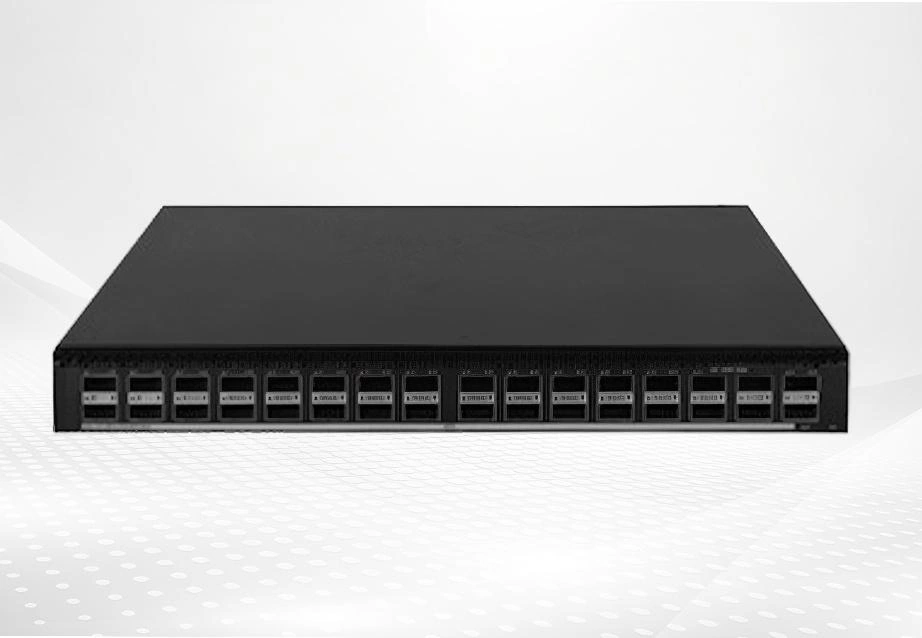
When setting up a steady and high-flow SAN, picking routing switches that have built-in back-forward smart zoning and very low delay frame checks proves key. We supply top-tier networking equipment like the H3C S6550X-HI Series High-Density Intelligent Switch. The switch offers high-density 100G/40Gports and a forwarding capacity as high as 6.4Tbps, which enables the switch to provide high-density server access in high-end data centers without oversubscriptions. With our rich industry experience in demand analysis, equipment selection, and network implementation, we help ensure traffic isolation strategies are executed flawlessly by the hardware.
Future-Proofing Your SAN with the Right Server Infrastructure
To get the most from forward zoning plans, the server’s own PCIe growth skills and input/output flow must fit the network perfectly. We also supply the Dell PowerEdge R650, which is a full-featured enterprise server, designed to optimize workload performance and data center density. The PowerEdge R650 is a dual-socket/1U rack server that delivers outstanding performance for the most demanding workloads. Partnering with Huaying Hengtong means equipping the data center with the exact hardware needed to handle massive data throughput within a securely zoned network fabric.
FAQ
Q: What is the main difference to consider in a fibre channel zoning types comparison?
A: The key difference lies in how network devices get marked and limited. Soft zoning applies the device’s World Wide Name (WWN). It lets the device keep entry rights even if moved to a different switch port. Hard zoning limits talk based on the set real switch ports. It offers a full real split but needs hand changes if cables move.
Q: Why is a comprehensive fibre channel zoning types comparison necessary before data center deployment?
A: A full look helps IT managers find the right mix between data safety and workload. A sound zoning plan blocks unwanted storage entry well. It limits network breaks from RSCN state shifts to the smallest area. It also stops big hand changes during future business growth.
Q: From an architectural security perspective, is hard zoning always superior to soft zoning?
A: In the past, hard zoning seemed safer. It caught unwanted data frames right through hardware ASICs. But now, current business-level switches apply WWN-based soft zoning at the hardware level too. So modern soft zoning gives the same high protection. It also keeps the ease of device movement fully.
Q: What are the proven best practices for configuring fibre channel zones in large enterprise networks?
A: For big, high-side-by-side real settings, the field-standard best way is to use current mixed zoning (WWN-based but hardware-backed). Also, apply the Single-Initiator Single-Target (SIST) rule across the fabric strictly. This cuts the signal mix. At Huaying Hengtong, we strongly suggest this steady setup when helping business clients with gear picks and network rollouts.
Q: Can a lack of proper fibre channel zoning cause actual data corruption in a storage area network?
A: Yes. Without sound zoning, all linked hosts and goals show fully to each other. This not only starts big inner broadcast storms and heavy network delays. More importantly, it can lead to many unlinked servers trying to write to the same open storage LUN at once. This causes lasting data damage at the block level right away.