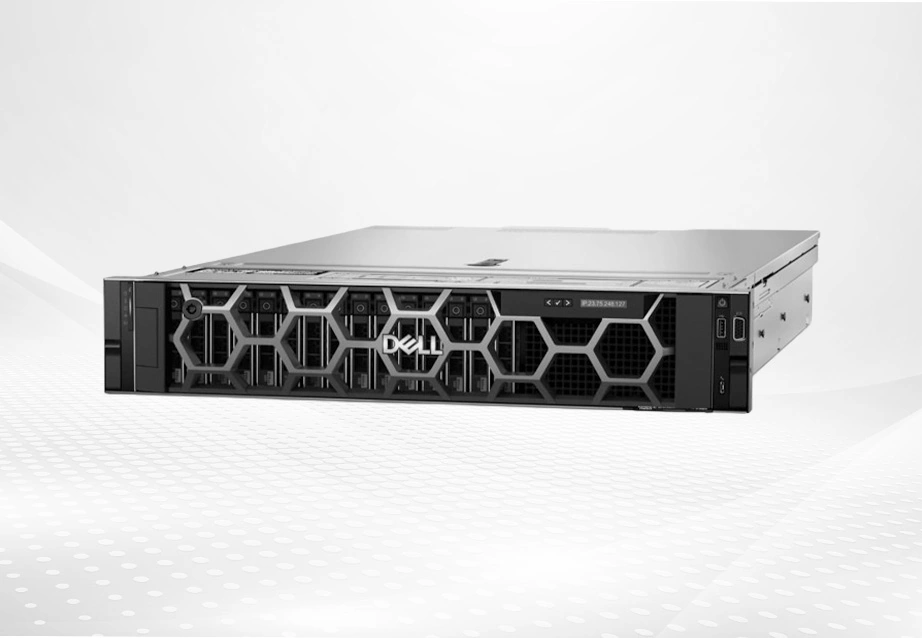
What Are the Benefits of Choosing Refurbished Servers for Data Centers? Cost Efficiency Without Compromising Performance Refurbished servers help companies save a lot of money while still running fast and strong. You can cut costs by 50-70% compared to buying brand new units. This leaves more budget for other important parts of your IT setup. Even though these servers had previous owners, they keep top-level power. The Dell PowerEdge R650 is a full-featured enterprise server, designed to optimize workload performance…
What Key Factors Influence the Total Cost of Ownership for Dell Enterprise Servers in 2025? How Hardware Specifications of Dell PowerEdge Servers Affect TCO Hardware configuration is a foundational determinant of the total cost of ownership (TCO) for Dell enterprise servers. The Dell PowerEdge R650, for instance, is equipped with up to two 3rd Generation Intel Xeon Scalable processors, supporting up to 40 cores per processor, and up to 32 DDR4 DIMM slots at speeds of 3200 MT/s, which collectively…
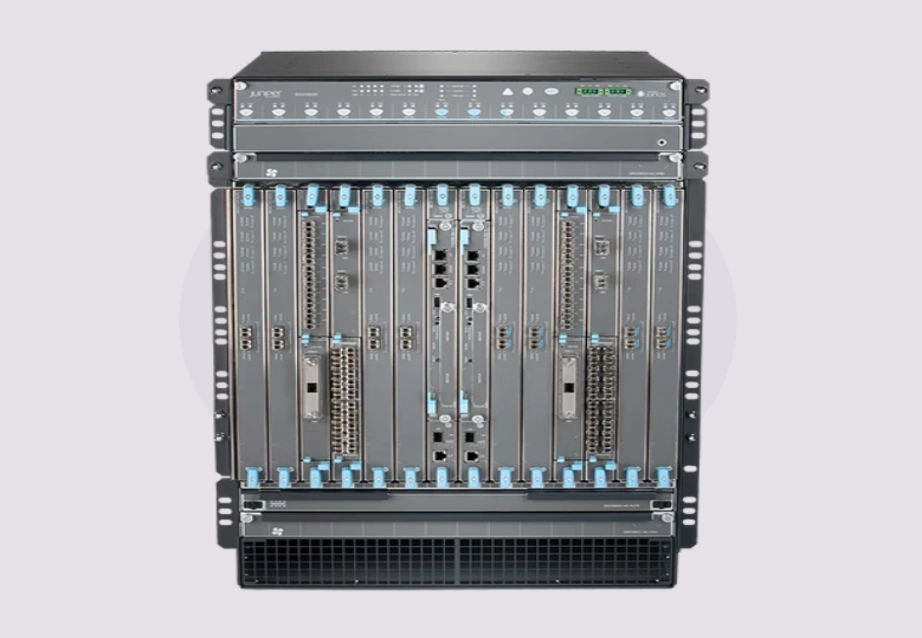
What Makes Juniper SRX Firewalls Stand Out in 2025 Network Security? Key Features That Define Juniper SRX Firewall Capabilities Juniper SRX firewalls remain a reliable standard in 2025 network security. They mix built-in threat data with sturdy defense systems. A major strong point comes from their own threat intelligence setup. It runs on Juniper's Security Intelligence (SecIntel). This system sends quick updates. Those updates spot and stop dangers right when they show up. So, networks get solid cover from malware,…
Enterprise Server Brand Comparison – HP, Lenovo & Huawei in 2025 Market Share and Brand Positioning Overview In 2025, HP, Lenovo, and Huawei control major portions of the enterprise server market. Each brand follows a clear strategy. HP (HPE) stays strong as a top provider of hybrid data center systems and dependable business solutions. Lenovo keeps growing its position in affordable server setups for medium-sized firms. Huawei pushes forward with AI-focused computing and compact cloud designs. Enterprise Demand Trends: AI, Virtualization, and High-Performance Computing Workloads in enterprises during 2025 center on virtualization, container management, and AI model development. Companies want servers that handle many CPU cores, large DDR5 memory growth, and fast NVMe Gen5 SSD speeds. HP ProLiant, Lenovo ThinkSystem, and Huawei FusionServer lines meet these changing requirements. Hybrid cloud growth also pushes firms to choose servers with remote control features, automatic firmware updates, and GPU support. These elements help spread tasks efficiently. Challenges and Opportunities Facing Each Brand in 2025 Every brand deals with unique benefits and limits in 2025. HP uses its long history in business settings.…
16 TB HDD Market Overview & Demand Drivers In 2025, the 16 TB hard drive category will become the benchmark for high-capacity enterprise storage. Organizations handling large data sets—from cloud services to video surveillance—seek drives that offer the best balance between density, cost, and reliability. According to Backblaze's Q1 2025 Drive Stats, enterprise HDDs of 16 TB and above show a decline in annualized failure rates compared with smaller capacities, highlighting their maturity and stability in the market. At Huaying Hengtong, we witness this shift daily as clients move from 8 TB and 12 TB storage drives to 16 TB units for higher density and lower power per terabyte. As an IT equipment wholesaler and hard disk supplier, our goal is to ensure our customers can scale storage without compromising on supply chain reliability or technical support. 16 TB HDD Technical Key Features to Compare Selecting the best 16 TB HDD requires clear knowledge of technical differences that affect performance and service life. Interface Type (SATA/SAS), Spindle Speed, and Cache Size Enterprise models such as the Seagate ST16000NM004J and…
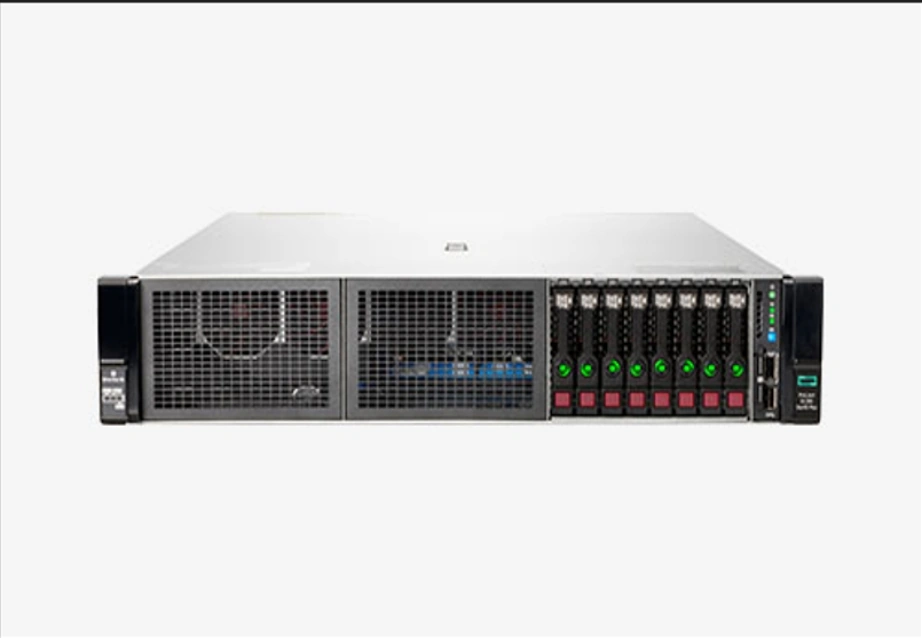
What Makes a Linux Enterprise Server Stand Out in 2025? Key Performance Metrics That Matter for Enterprise Use When you check a Linux enterprise server in 2025, look at metrics like CPU core count, memory bandwidth, PCIe generation, and workload tuning options. These decide how well a server handles virtualization, memory-heavy apps, and data analysis. For example, when used with enterprise Linux versions like RHEL or SUSE, the HPE ProLiant DL560 Gen11 server is a strong, scalable, reliable, dense 2U4-way platform. This server comes with the fourth-generation Intel® Xeon® Scalable Processor. A single CPU supports up to 60 cores. The full system supports up to 16TB DDR5 memory, 6 PCIe 5.0 slots, and 2 OCP slots. How Security and Stability Define Enterprise-Grade Linux Servers Security and stability build the base for a dependable Linux enterprise server. Tools like Trusted Platform Module (TPM), Secure Boot, and silicon-level root of trust guard against firmware changes and unwanted access. Trusted silicon root tech and silicon-level zero-trust setup stop key server firmware from malware risks or changes. When set on trusted hardware like HPE…
What Are the Key Differences Between a Fibre Channel Switch and an Ethernet Switch? How Does a Fibre Channel Switch Work in Enterprise Storage Networks? Fibre Channel switches are built for quick, low-delay data movement in storage area networks (SANs). They run on a special protocol made just for storage traffic. This brings steady and dependable results. Fibre Channel was purpose-built for storage. Its architecture inherently provides low latency due to a lightweight protocol stack and often credit-based flow control ensuring buffer-to-buffer delivery; high IOPS capable of handling a large number of input/output operations per second; guaranteed delivery & losslessness as FC fabrics are designed to be lossless. These switches form the backbone of mission-critical applications that rely on uninterrupted data flow, especially in environments requiring consistent throughput and minimal latency. What Is the Role of an Ethernet Switch in Modern Data Communication? Ethernet switches make up the core of local area networks (LANs). They also take a major part in data center setups. They push data packets by MAC addresses. They handle many tasks, from web access to virtual…
Why Do Enterprise Servers Have High Total Cost of Ownership? Enterprise servers often come with a steep Total Cost of Ownership (TCO). Several reasons cause these costs to climb over time. Businesses need to grasp these reasons. They want to handle their budgets carefully. What Factors Drive Up the Long-Term Costs of Enterprise Servers? Long-term costs for enterprise servers stem from different areas. These cover buying equipment, maintaining it, using power, and updating systems. Take the Dell PowerEdge R650 as an example. It's built to improve workload speed and fit tightly in data centers. This requires spending on strong parts like the 3rd Generation Intel® Xeon® Scalable Processors and PCIe Gen 4 support. Such high-end features enhance work. But they also raise the starting price. Plus, they add to ongoing bills for electricity and cooling. How Do Licensing and Software Subscriptions Affect TCO? Licensing fees and software subscriptions play a big role in TCO. They create costs that keep coming back. Servers often need licenses for systems like VMware or Microsoft Windows Server with Hyper-V. Also, paying for security…