What Drives Enterprise Server TCO in 2026?
When evaluating IT infrastructure, procurement teams often focus heavily on the initial hardware quote. However, calculating the true Total Cost of Ownership (TCO) requires a much deeper dive into the operational lifecycle of the equipment.
Beyond the Price Tag: CapEx vs. OpEx in IT Procurement
Capital Expenditure (CapEx) represents the upfront cost of purchasing hardware, but Operational Expenditure (OpEx) is where IT budgets are truly tested over a typical three to five-year lifecycle. Upgrading memory, renewing proprietary software licenses, and replacing failing components over time can easily surpass the initial hardware investment. A smart procurement strategy shifts the focus from simply finding the cheapest unit to identifying the architecture that offers the lowest operational friction over time.
The Hidden Expenses of Power Consumption and Datacenter Cooling
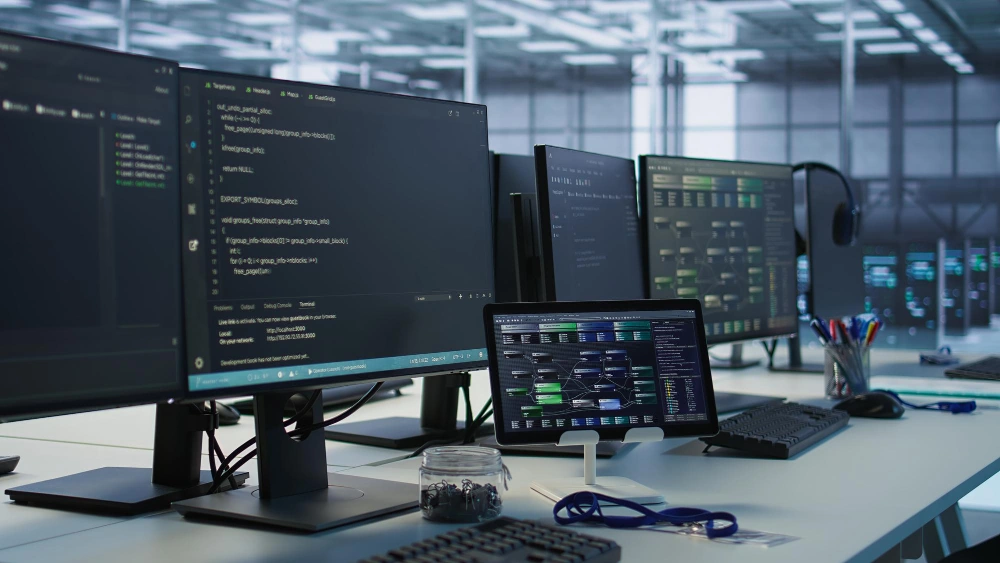
Modern processors and high-speed memory modules generate significant heat under heavy workloads. Power consumption and the necessary datacenter cooling infrastructure represent massive hidden expenses. Selecting servers equipped with high-efficiency redundant power supplies and advanced thermal designs is no longer optional; it is a critical requirement for maintaining a sustainable and cost-effective datacenter environment.
Dell PowerEdge vs HPE ProLiant: A Category-by-Category TCO Breakdown
Two big players lead in business computing. Yet, their ways of giving lasting value vary a bit. Knowing these small differences aids groups in making smart buying choices that fit ongoing financial goals.
Hardware Reliability and Unplanned Downtime Risks
Each minute of sudden stoppage means lost income and work disorder right away. Both hardware lines use solid parts and built-in safety tools to stop firmware threats. For example, top servers include things like a silicon root of trust. This blocks unwanted changes to firmware. The way chassis are built and how easy parts are to reach can affect repair time a lot. Servers that let you swap parts quickly without tools cut down on work costs. They also lessen the money hit from quick hardware breakdowns.
Management Software Ecosystems: Dell iDRAC vs. HPE iLO
Remote control forms the base of smooth IT work. Dell’s Integrated Dell Remote Access Controller (iDRAC9) and HPE’s Integrated Lights-Out (iLO6) are strong software setups. They aim to handle regular admin jobs on their own. Basic control licenses often come with the hardware. But extra tools like auto updates, forecast insights, and detailed data tracking require paid, ongoing licenses. Checking the right level of control software for your tasks matters. These repeating fees change the long-term TCO in a big way.
Flagship Showdown: Comparing Top Models for Maximum ROI
To really understand the cost patterns, you need to check how certain top models from these lines deal with hard business tasks over time.
Dell PowerEdge Counterparts: Balancing Upfront Value and Upgrade Costs
The Dell PowerEdge R650 is a full-featured enterprise server designed to optimize workload performance and data center density. It is a dual-socket/1U rack server that delivers outstanding performance for the most demanding workloads. For organizations requiring more storage flexibility at a different price point, the Dell EMC PowerEdge R550 is a 2U, dual-socket server that offers the best value for organizations seeking the latest processing, I/O, and storage capabilities. While the upfront value of these units is highly competitive, datacenter managers must carefully calculate the long-term costs associated with populating drive bays and upgrading RAM to keep pace with future expansion demands.
Why Are HPE Proliant DL380 Gen11 Reviews Highlighting Long-Term ROI?
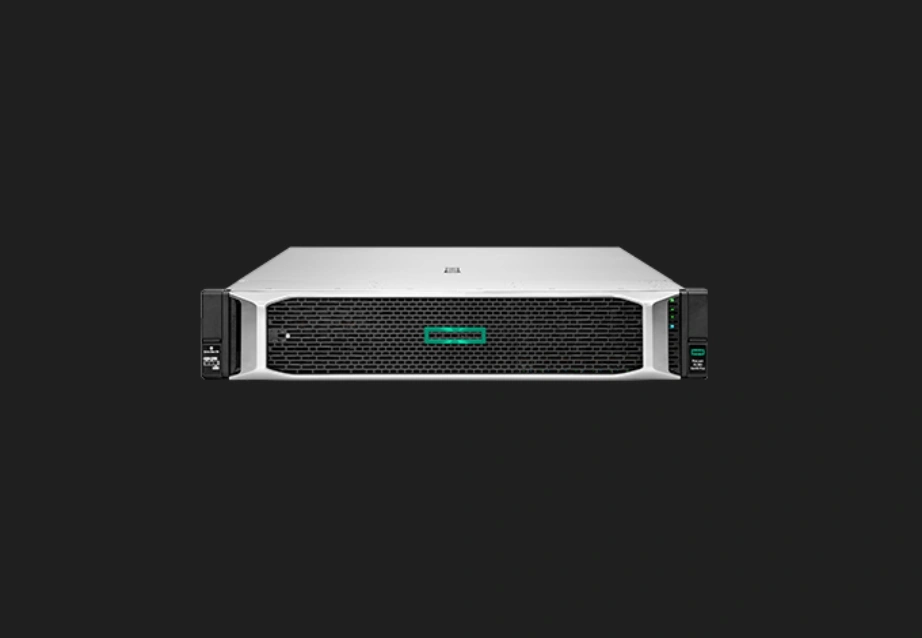
When analyzing market feedback, it becomes immediately clear why HPE Proliant DL380 Gen11 reviews consistently praise its return on investment. The HPE ProLiant DL380 Gen11 server is a 2U two-socket rack server based on Intel’s new generation Eagle Stream platform. Equipped with the latest fifth-generation Intel Xeon scalable processor and 8-channel 5600MT/s DDR5 memory technology, it provides excellent computing performance and scalability. This future-proof architecture means that while the initial CapEx might be higher, the system remains relevant for a much longer operational period. Alternatively, for those strictly optimizing for initial expenditures, the best budget HPE ProLiant server 2026 is arguably the HPE ProLiant ML110 Gen11. It is an enhanced single-processor tower server with an affordable price, making it an ideal choice for small and medium-sized enterprises.
How Huaying Hengtong Optimizes Your IT Procurement Strategy
Handling the tricky parts of business hardware needs a focused and planned buying helper. At Huaying Hengtong, we aim to grow the firm into a top IT service group in China.
Custom Hardware Configurations Tailored to Your Real Workloads
We work with many brands. We can give users true standard items from the main brand makers. We also offer full, true quality checks. From the key idea of putting customers first, we make custom fixes for clients. For example, if a client wants to grow a database on a current server, we can supply the exact standard parts needed without hassle. Such as the Seagate ST16000NM004J, a 16TB 7200 RPM enterprise-class hard drive, or the Samsung M393A4K40EB3-CWE, a 32GB DDR4 RDIMM with ECC error correction. Giving the correct, true hardware for your real tasks stops costly extra buying.
Comprehensive After-Sales Support to Minimize Ongoing Expenses
Set up in 2016, Beijing Huaying Hengtong Technology Co., Ltd. has gained plenty of handling know-how. It built a full sales path, too. After years of steady work, the firm grew to have over 100 sales channels and after-sales staff. We built up solid field know-how in need checks, tech tests, gear picks, network setups, quality checks, running upkeep, and help services. With our full sales paths and after-sales promises, businesses can cut ongoing running costs. They also get quick, bendy support.
FAQ
Q: How much does it cost to maintain an enterprise-grade rack architecture annually?
A: Yearly upkeep costs usually fall between 15% and 25% of the starting hardware buy price. This covers fees for warranty updates, paid remote control software licenses, power use, and regular datacenter cooling setup. All these keep high-density 1U or 2U units running.
Q: Which management software ecosystem provides better remote automation capabilities?
A: Both top control setups give top-notch, field-leading remote auto features. The best pick relies fully on your current IT setup and team know-how. For example, tools like iDRAC9 and iLO6 both bring full firmware checks, safe starts, and deep system data to ease daily work.
Q: What is the typical operational lifespan of a datacenter node before replacement is required?
A: The best running life stays between three and five years in general. After that, costs for longer warranties rise. Older processors use more power. The chance of sudden stoppages grows too. These often make putting off new hardware not worth the money.
Q: Do proprietary software licenses significantly impact the total cost of ownership?
A: Yes, software licensing forms a key recurring running cost. Extra tools for auto health checks, business virtual setup links, and special safety features need yearly fees. These can add up to match the starting cost of the basic hardware.
Q: How can targeted component upgrades extend the lifecycle of existing IT infrastructure?
A: Picking key inside part updates can help fix speed issues right away. For instance, adding big business storage like a 16TB 7200 RPM drive or filling empty memory spots with 32GB DDR4 modules lets current setups handle more tasks. This avoids a full and pricey system swap.