Why Is the Best Hardware for OpenClaw Setups Critical in 2026?
The Shift Towards Local-First AI Agents
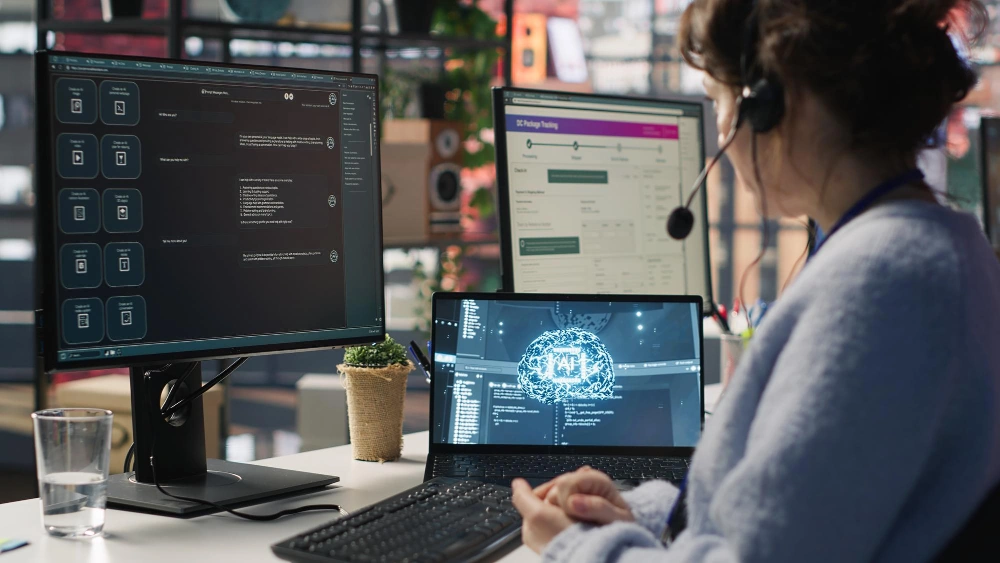
The world of artificial intelligence changes quickly. It moves from central cloud APIs to local-first AI agents. OpenClaw shows this change well. It gives groups full command over their automated tasks. Yet, keeping this data control means local systems must handle all the computing load. This includes steady AI thinking and data handling.
How Infrastructure Directly Impacts AI Reliability
Software efficiency can only go so far without a robust physical foundation. Running autonomous agents requires systems to remain active continuously without thermal throttling or memory leaks. Subpar infrastructure leads to:
-
Bottlenecked response times during complex queries
-
Frequent system crashes due to memory overflow
-
Corrupted data loops in persistent memory. To maintain high availability, investing in the best hardware for OpenClaw setups is no longer optional; it is the absolute baseline for enterprise-grade automation.
What Are the Core Hardware Requirements for Seamless Operation?
Decoding the RAM Bottleneck for AI Agents
Memory is the most critical chokepoint when deploying local AI. It dictates the context window size and the number of simultaneous tasks an agent can handle.
Minimum Memory Needs for Basic Testing
For initial deployment and workflow testing, a baseline of reliable memory is required. Even small-scale operations demand error-correcting code (ECC) to prevent silent data corruption, ensuring that short-term reasoning remains accurate over long testing periods.
High-Capacity RAM for Multi-Agent Workflows
When scaling to multi-agent environments, memory requirements increase exponentially. Complex, concurrent agent workflows must have high-speed bandwidth.
-
Top Pick: Samsung M321RAGA0B20-CWK DDR5
-
Performance Rating: ⭐⭐⭐⭐⭐ (9.8/10)
-
Key Strengths: This module provides an impressive 128GB of capacity at a speed of 4800 Mbps. It ensures your AI infrastructure has the necessary bandwidth to operate without hitting fatal memory limitations during intensive tasks.
Processing Power: Balancing Compute Needs
When to Rely on Core Processing Units
The CPU acts as the primary orchestrator for AI agents. Tasks involving logical routing, extensive API calls, and background automation scripts rely heavily on high core counts and strong single-thread performance to prevent task queuing delays.
When to Accelerate with Advanced Graphics Cards
While the CPU manages the workflow logic, processing the actual large language models locally requires significant parallel computing power. Integrating high-end professional graphics cards provides the necessary VRAM and tensor cores to accelerate model inference, drastically reducing the time it takes for agents to generate responses.
Storage Strategies for Persistent AI Memory
One of the defining features of advanced AI agents is their ability to maintain long-term, persistent memory. This continuous logging of interactions and vector embeddings demands storage that is both massive and highly responsive.
-
Top Pick: Seagate ST16000NM004J Enterprise HDD
-
Reliability Rating: ⭐⭐⭐⭐⭐ (9.5/10)
-
Key Strengths: Offering 16TB of massive capacity, a 7200 RPM rotational speed, and a 256MB cache, this drive guarantees that historical AI data can be retrieved instantly without stalling thought processes.
How to Scale OpenClaw Setups: From Entry-Level to Enterprise?
Budget-Friendly Setups for Solo Developers and Small Teams
For independent developers or agile teams, deploying an efficient 1U rack server provides a perfect balance between cost and performance. These setups allow for sufficient memory expansion and storage bays to run essential agents while keeping power consumption and initial investment manageable.
Heavy-Duty Infrastructure for High-Concurrency Enterprises
Big groups with hundreds of side-by-side AI jobs need full power. A base like the HPE ProLiant DL380 Gen11 acts as a top support. It handles large DDR5 memory growth and strong PCIe options. Such a high pack level is key for large-scale AI control.

How Can You Secure Your Local AI Data and Networks?
Mitigating Network Exposure and Port Risks
Keeping AI agents local is primarily a security measure, but exposing management ports to external networks negates this advantage. Implementing robust internal routing and utilizing high-performance switches ensures that agent communication remains securely isolated within private network boundaries.
Building a Secure Foundation with Enterprise Architecture
True security starts at the hardware level. Utilizing infrastructure equipped with a trusted silicon root provides firmware consistency detection. This inhibits the spread of malicious code and protects the normal operation of the server, ensuring proprietary AI data cannot be hijacked or tampered with at the boot level.
How to Future-Proof Your Infrastructure for AI Upgrades?
Designing for Rapid Model Iterations
The AI landscape shifts rapidly. Purchasing servers with advanced PCIe expansion slots and support for the latest memory standards guarantees that, as open-source models grow larger and demand faster data transfer rates, physical infrastructure will not become an obsolete bottleneck.
Sourcing Reliable IT Solutions with Huaying Hengtong
Getting and setting business AI hardware needs a steady supply line. At Huaying Hengtong, we offer a wide range of items. This includes hundreds of servers, switches, and storage from top brands. With a focus on putting customers first, we give full IT help to users around the world. We build deep know-how in picking gear, setting up nets, and giving support. This makes sure your setup strongly backs your tech goals.
FAQ
Q: What are the minimum hardware requirements for OpenClaw setups in 2026?
A: For simple tests and one-agent jobs, a system with at least 16GB of ECC RAM and a multi-core processor is needed. To get smooth work without holds, start with 32GB of fast memory and business NVMe storage.
Q: Why do OpenClaw setups require so much RAM?
A: Local AI agents load whole language models into memory. They also keep an active context for current jobs. If memory runs low, the system fails or slows down a lot in tough tasks.
Q: How do I choose the best server for an OpenClaw setup?
A: Pick based on group size and side-by-side needs. Small teams use single-socket 1U servers. Big setups should get scalable dual-socket ones, like the HPE ProLiant DL380 Gen11. These handle large AI loads well.
Q: Can I run OpenClaw setups safely on my local network?
A: Yes, keeping the deployment local is inherently more secure than relying on cloud APIs. To maximize security, ensure the hardware features silicon-level protection, keep ports isolated behind secure switches, and implement strict access controls.
Q: Does storage speed affect OpenClaw setups and memory retention?
A: Yes. AI agents read and write log files often. They pull past data from lasting memory stores. High-speed, quick business drives like the Seagate ST16000NM004J stop slow reads or writes. This keeps replies fast to hard questions.