


Проблема нехватки памяти: почему важен выбор оперативной памяти для вашего сервера.
Роль буферизации на серверах высокой плотности
При масштабировании корпоративных архитектур акцент часто смещается на количество ядер процессора, но истинным скрытым убийцей производительности системы является узкое место в памяти. По мере добавления всё большего количества высокопроизводительных модулей, по мере увеличения их объёма, становится очевидно, что память является узким местом. модули памяти При подключении к материнской плате электрическая нагрузка на контроллер памяти возрастает экспоненциально. Именно здесь буферизация становится критически важной. Выступая в качестве регулятора трафика между контроллером памяти и микросхемами DRAM, буферизованная серверная память предотвращает ухудшение сигнала, обеспечивая работу корпоративных приложений без критических сбоев или повреждения данных.
Как аппаратные ограничения определяют эволюцию памяти
Без надлежащей буферизации аппаратные ограничения будут превысить общий объем оперативной памяти, который может вместить сервер. Материнские платы принимают только определенный объем электрической нагрузки. Как опытный поставщик ИТ-услуг, мы в Huaying Hengtong часто сталкиваемся с клиентами, которые достигают этого предела при попытке расширения виртуализированных конфигураций. Знание различий между RDIMM и LRDIMM позволяет командам безопасно обходить эти ограничения, сохраняя при этом точность данных.
Понимание модуля RDIMM (Registered DIMM)
Основной механизм буферизации команд/адресов
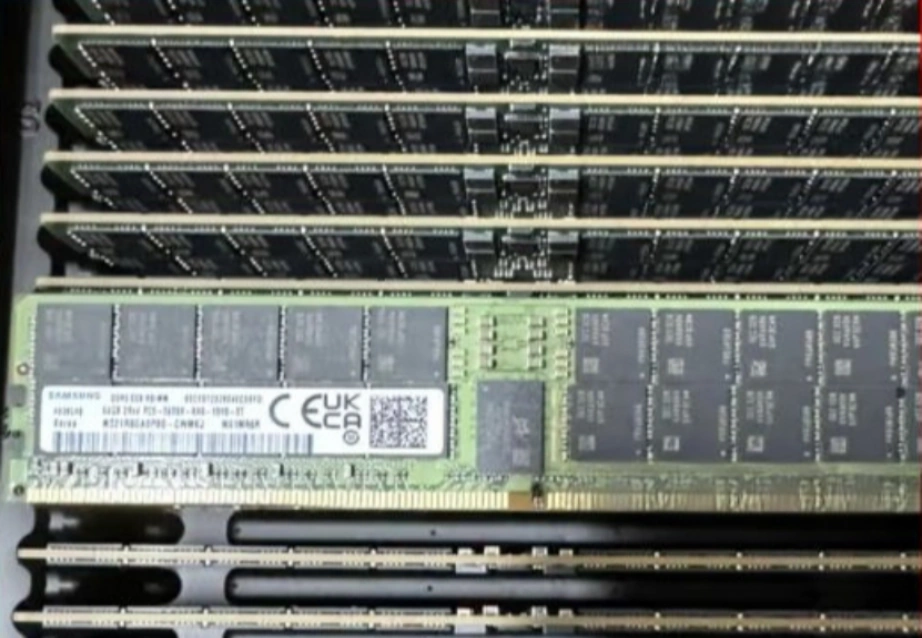
В модуле Registered DIMM на самом модуле размещается аппаратный регистр. Регистр хранит сигналы команд и адресов от контроллера памяти до того, как они достигнут микросхем DRAM. Этот шаг снижает нагрузку на контроллер. Сервер остается стабильным даже при использовании нескольких блоков памяти.
Основные преимущества повышения производительности при выполнении стандартных операций.
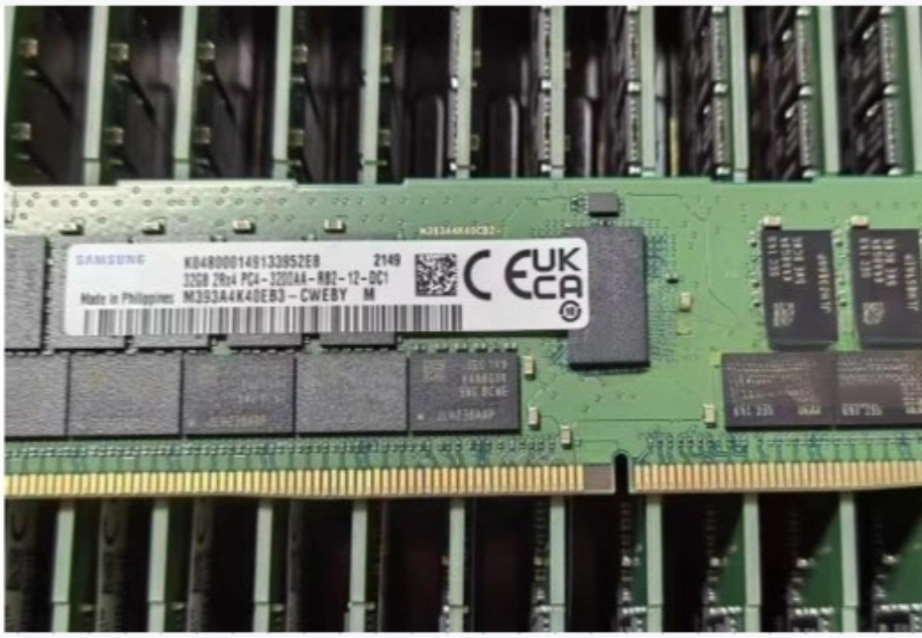
Модули RDIMM буферизуют только командную и адресную линии. Линии данных остаются прямыми. Такая конфигурация обеспечивает низкую задержку для многих распространенных рабочих нагрузок. Мы часто предоставляем следующие модули: Samsung M393A4K40DB3-CWEЭто 32-гигабайтный модуль DDR4 RDIMM со скоростью 3200 Мбит/с. Модули такого типа обеспечивают хорошую скорость по разумной цене. Они подходят для стандартного веб-хостинга, баз данных среднего размера и корпоративных конфигураций.
Понимание LRDIMM (DIMM со сниженной нагрузкой)
Чем отличается технология буферизации данных (Data Line Buffering) в модулях LRDIMM.
В модулях LRDIMM буферизация применяется к большему количеству сигналов. В них используются специальные буферные микросхемы как на линиях команд/адресов, так и на линиях данных. Контроллер памяти видит только буферную микросхему, а не каждую микросхему DRAM. Это снижает общую нагрузку на шину памяти.
Преодоление ограничений максимальной емкости материнской платы
Полная буферизация открывает доступ к очень большим объемам памяти. Когда мы поставляем серверы высокой плотности, такие как... Компания Dell PowerEdge R650Модули LRDIMM помогают достичь заявленного максимального объема в 8 ТБ. Стандартные модули замедляют скорость шины после заполнения всех слотов. Модули LRDIMM обеспечивают стабильность системы и позволяют заполнить все слоты для ресурсоемких задач.
RDIMM против LRDIMM: прямое сравнение
Общие ограничения по мощности и потенциал масштабирования
В сравнении RDIMM и LRDIMM наиболее важным фактором является масштабируемость емкости. Модули RDIMM, как правило, ограничены максимальной плотностью размещения на модуль (часто до 64 ГБ или 128 ГБ в зависимости от поколения), что в конечном итоге ограничивает общую емкость сервера. Модули LRDIMM обходят эти ограничения, поддерживая огромную емкость отдельных модулей (например, 256 ГБ) и позволяя заполнить каждый слот материнской платы без дестабилизации системы.
Различия в задержке при обработке данных в реальных условиях
В небольших системах модули RDIMM часто демонстрируют меньшую задержку. Модули LRDIMM передают данные через дополнительный буфер, что добавляет небольшую задержку. Когда сервер не загружен, модули RDIMM выполняют задачи немного быстрее. В полностью загруженном сервере модули LRDIMM поддерживают более равномерную скорость, в то время как модулям RDIMM может потребоваться снизить скорость во избежание ошибок.
Стратегии энергопотребления и управления тепловым режимом
В модулях LRDIMM используются дополнительные буферные чипы. Эти чипы потребляют больше энергии и выделяют больше тепла. Центрам обработки данных требуется мощное охлаждение при работе серверов, заполненных модулями LRDIMM. Модули RDIMM потребляют меньше энергии в типичных конфигурациях и работают с меньшим нагревом.
Подбор модулей памяти для корпоративных рабочих нагрузок
Наилучшие сценарии развертывания модулей RDIMM
Модули RDIMM хорошо подходят для большинства повседневных корпоративных задач. Стандартная виртуализация, почтовые серверы, базовые CRM-системы и обмен файлами — все они выигрывают от оптимального соотношения скорости и стоимости. Компания Huaying Hengtong предлагает подходящие конфигурации RDIMM для этих распространенных потребностей.
Когда стоит переходить на модули памяти LRDIMM?
Модули LRDIMM становятся необходимыми для очень ресурсоемких задач. Высокопроизводительные вычисления, обучение больших моделей ИИ и базы данных в оперативной памяти, такие как SAP HANA, требуют терабайтов ОЗУ. Заполнение каждого слота памяти до физического максимума требует использования модулей LRDIMM для обеспечения стабильности.
Часто задаваемые вопросы
В: Можно ли использовать модули RDIMM и LRDIMM одновременно в одном сервере?
A: Нет. Материнские платы серверов должны иметь одинаковые типы памяти. Установка модуля RDIMM, например Samsung M393A4K40DB3-CWE, вместе с модулем LRDIMM создаст конфликт. Сервер не запустится.
В: В споре между модулями памяти RDIMM и LRDIMM, какой из них быстрее для стандартных серверов?
A: Модули RDIMM работают быстрее на серверах, которые не загружены полностью. Модули LRDIMM добавляют небольшую задержку, поскольку они буферизуют линии передачи данных. Когда высокопроизводительный сервер, такой как Dell PowerEdge R650, достигает максимальной загрузки, модули LRDIMM обеспечивают более стабильную скорость работы в целом.
В: Почему модули LRDIMM дороже, чем RDIMM?
A: Модули LRDIMM стоят дороже, потому что в них используются дополнительные буферные микросхемы для линий передачи данных. Эти микросхемы снижают нагрузку на контроллер памяти и позволяют достичь гораздо большей общей емкости, чем стандартная серверная память.
В: Как узнать, требуется ли для моей рабочей нагрузки память RDIMM или LRDIMM?
A: Проверьте общий объем оперативной памяти, необходимый вашим приложениям. Стандартная виртуализация хорошо укладывается в средние пределы большинства серверов, поэтому RDIMM подходит идеально. Для высокопроизводительных вычислений и масштабного обучения ИИ, требующих терабайтов памяти, необходимы модули LRDIMM.
В: Влияет ли выбор между модулями RDIMM и LRDIMM на энергопотребление сервера?
А: Да. В модулях LRDIMM используются дополнительные микросхемы для обработки больших объемов данных. Они потребляют больше энергии и выделяют больше тепла, чем модули RDIMM. Центры обработки данных должны учитывать это дополнительное тепло при работе серверов с полностью заполненными модулями LRDIMM.